Viewing Your Reservation History
2 min readApril 12, 2026
reservationshistoryblock-requests
Reservation history
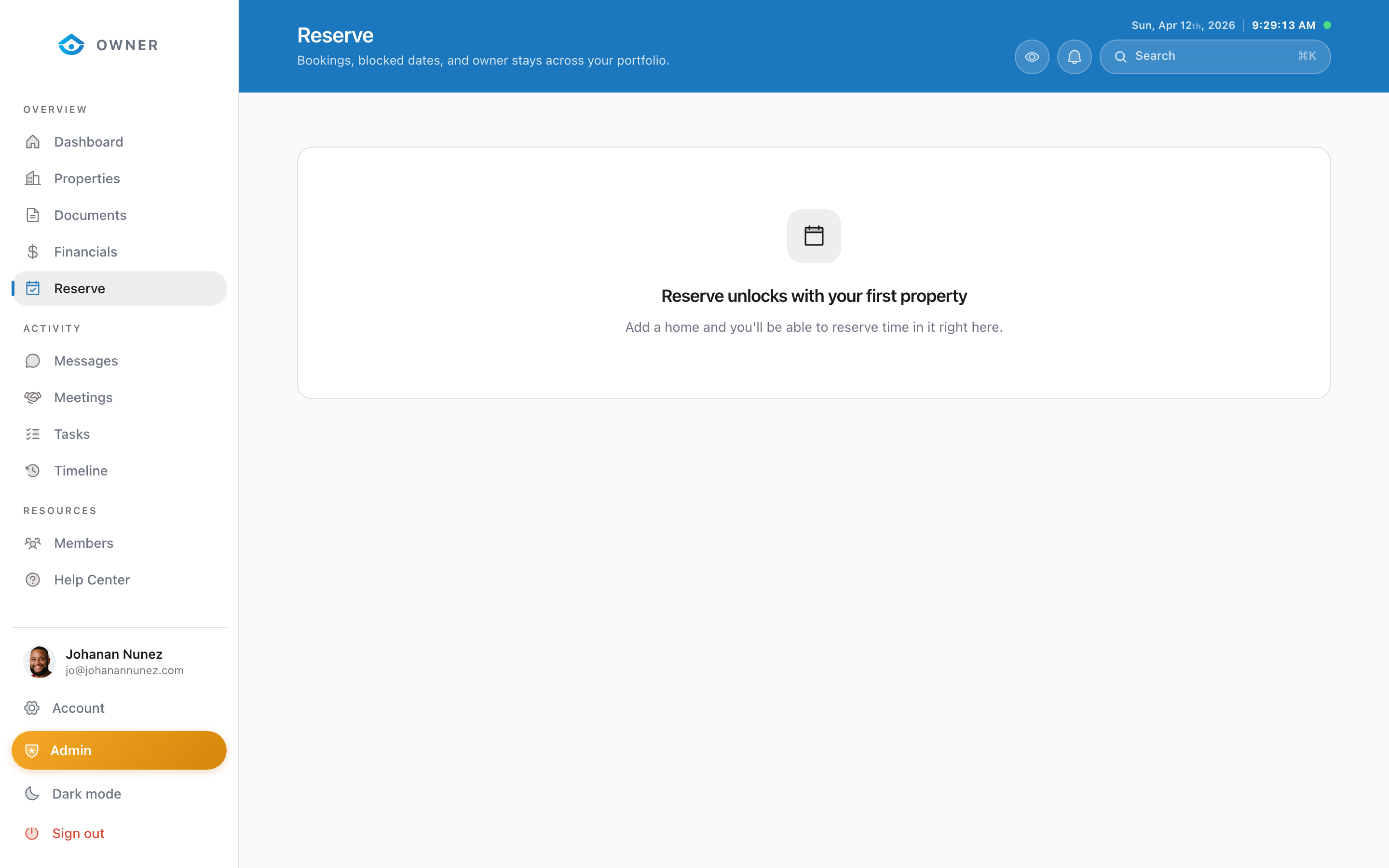
You can view all your current and past reservations from the Reserve page.
Accessing your history
1. Go to Reserve in the sidebar 2. You will see two sections: - Upcoming: Pending and approved future reservations - Past: Completed or expired reservations
Reservation details
Each reservation shows:
- Dates: Check-in and check-out
- Status: Pending, approved, declined, completed, or cancelled
- Notes: Any notes you added when submitting
- Property: Which property the reservation is for
Filtering and searching
Use the filters at the top to narrow by status or date range.
Editing or cancelling a reservation
To change or cancel an approved reservation: 1. Click on the reservation to open its details 2. Send a message to the Parcel team with your requested change 3. We will update the calendar accordingly
You cannot edit the dates of a reservation directly. All changes go through the Parcel team to ensure no booking conflicts.
Was this helpful?