Exporting Financial Reports
2 min readApril 12, 2026
exportcsvreportsdownload
Exporting reports
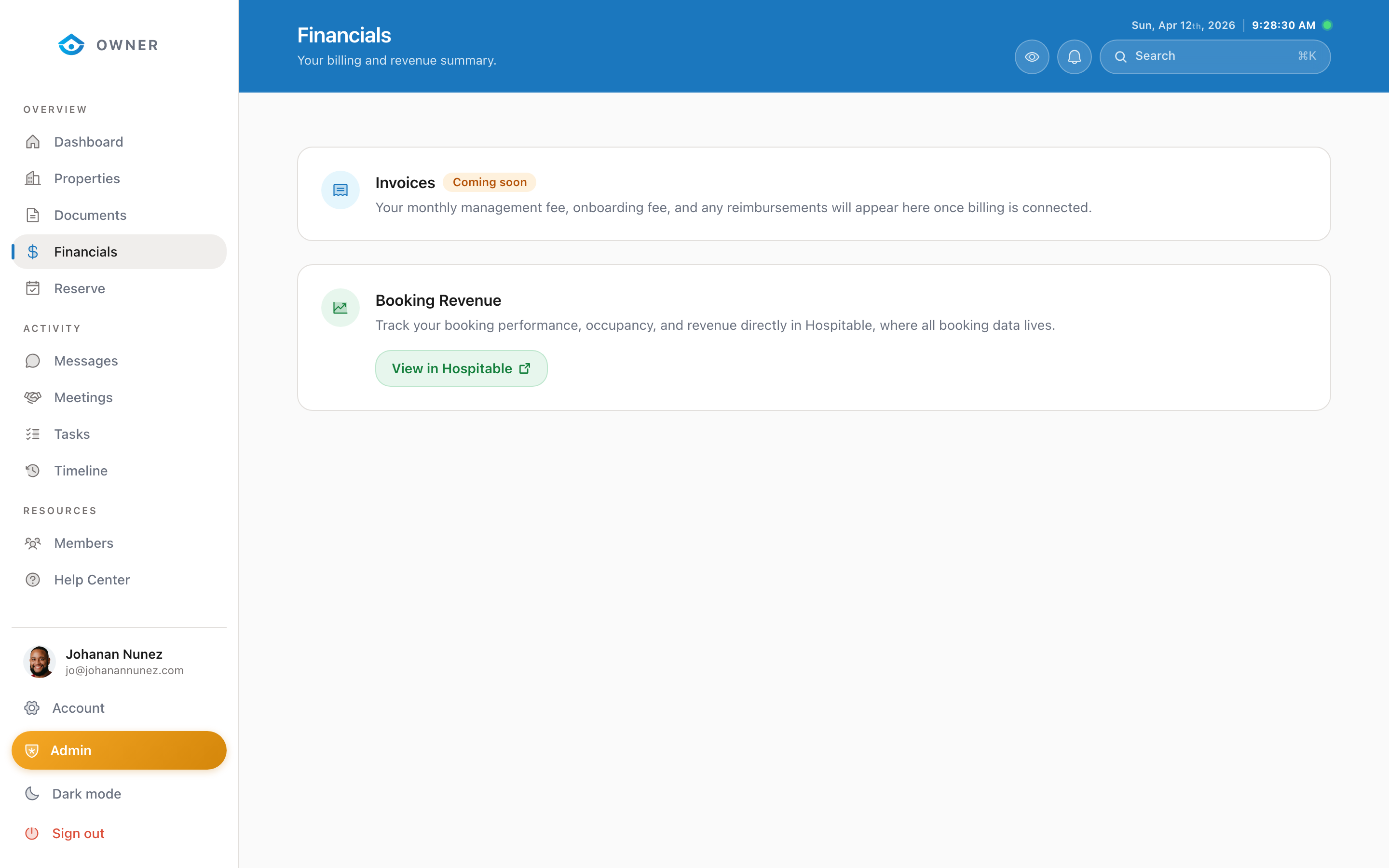

You can export your financial data at any time for personal records, tax preparation, or accounting.
How to export
1. Go to Financials in the sidebar 2. Set the date range using the period switcher 3. Click the Export CSV button in the top right 4. A CSV file will download to your computer
What is included in the export
The CSV file contains:
- Payout date
- Booking dates
- Guest name
- Property name
- Gross revenue
- Platform fees
- Management fee
- Cleaning fees
- Net payout amount
- Booking source
Using the export for taxes
The CSV export is formatted to work with common accounting tools. You can import it directly into spreadsheet software like Excel or Google Sheets.
For official tax documents (like a 1099), see the "Tax Documents and W9" article.
Exporting specific payouts
To export details for a single payout: 1. Click on the payout in the Financials page 2. In the payout detail view, click Export 3. This downloads only the bookings for that specific payout
Was this helpful?