Understanding Your Financials Dashboard
3 min readApril 12, 2026
financialsdashboardrevenuemetrics
Financials overview
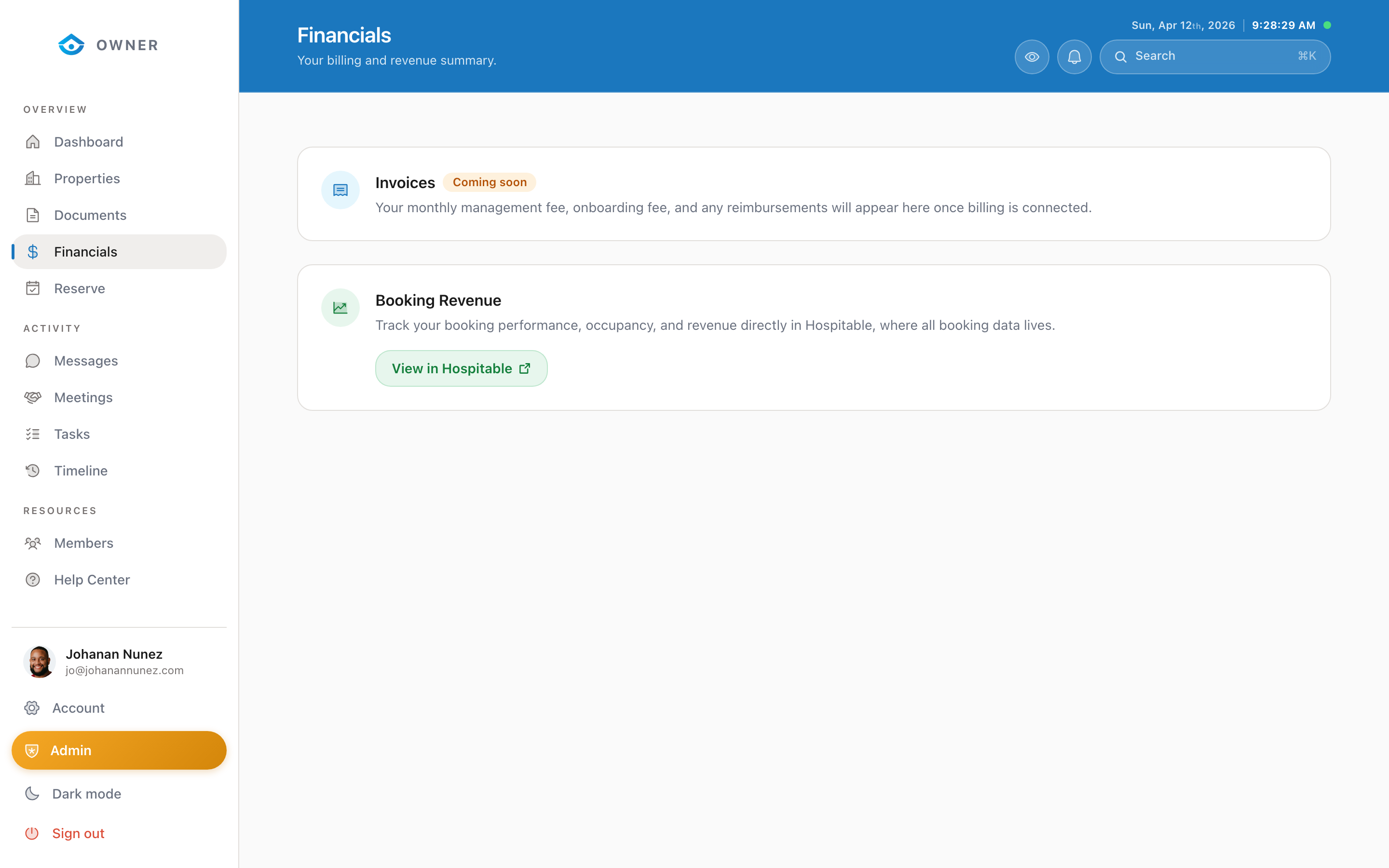

The Financials page gives you a complete picture of your property earnings and payout history.
Key metrics
At the top of the page, you will see summary cards:
- Total Revenue: Gross earnings before management fees
- Net Earnings: Your take-home amount after fees
- Pending Payout: Amount scheduled for the next payout cycle
- Average Nightly Rate: Calculated from your bookings
Revenue chart
The chart shows your earnings over time. You can switch between:
- Monthly view
- Quarterly view
- Yearly view
Hover over any data point to see the exact amount.
Period switcher
Use the period switcher to view financials for different time ranges: this month, last month, last 3 months, last 6 months, this year, or a custom date range.
Revenue breakdown
Below the chart, a breakdown shows:
- Gross booking revenue
- Platform fees (Airbnb, VRBO, etc.)
- Cleaning fees collected
- Management fee
- Your net earnings
Downloading reports
Click the Export button to download your financial data as a CSV file. This is useful for tax preparation and personal record-keeping.
Was this helpful?