Understanding Property Details
2 min readApril 12, 2026
propertiesdetailsperformancebookings
Property detail page
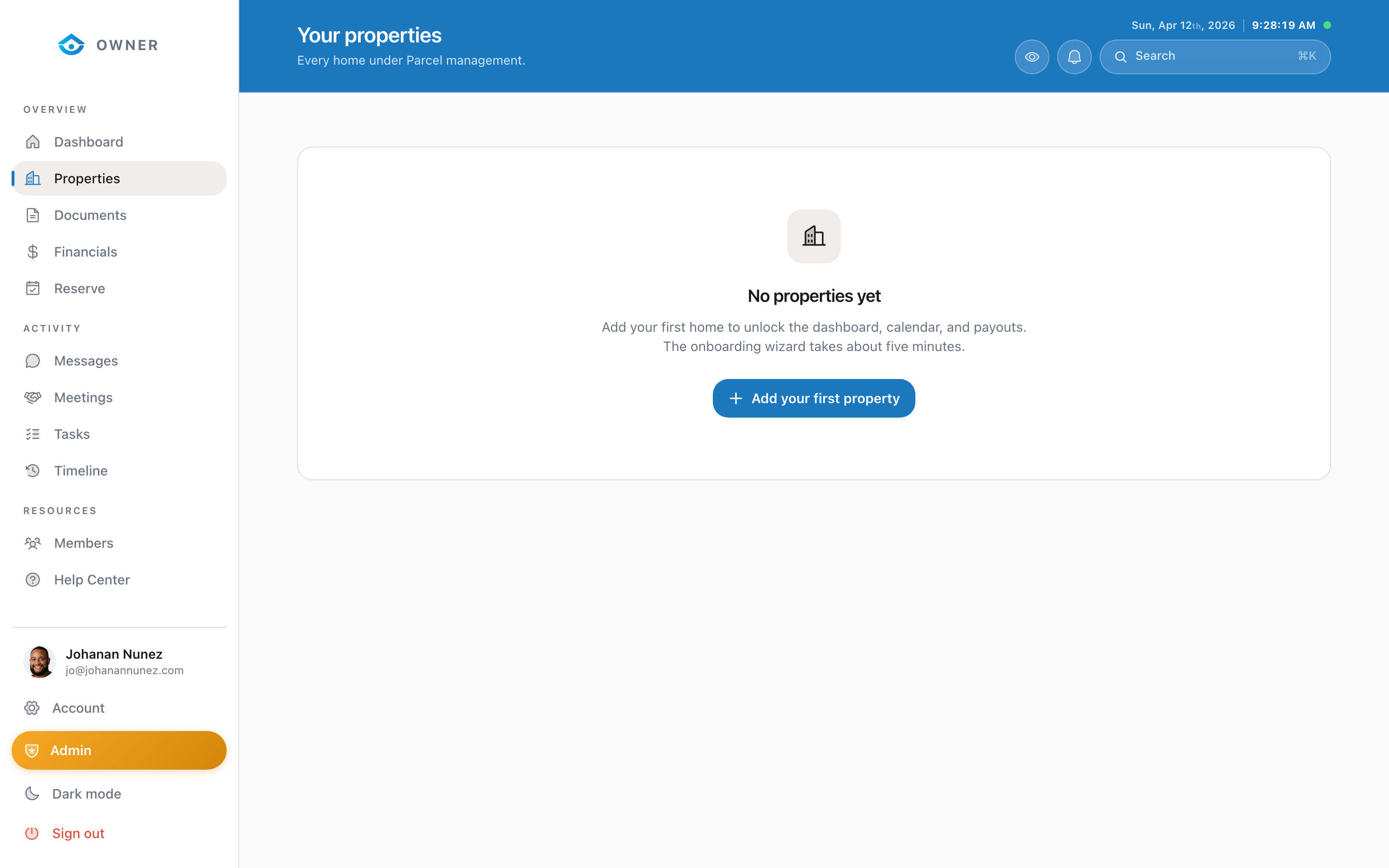
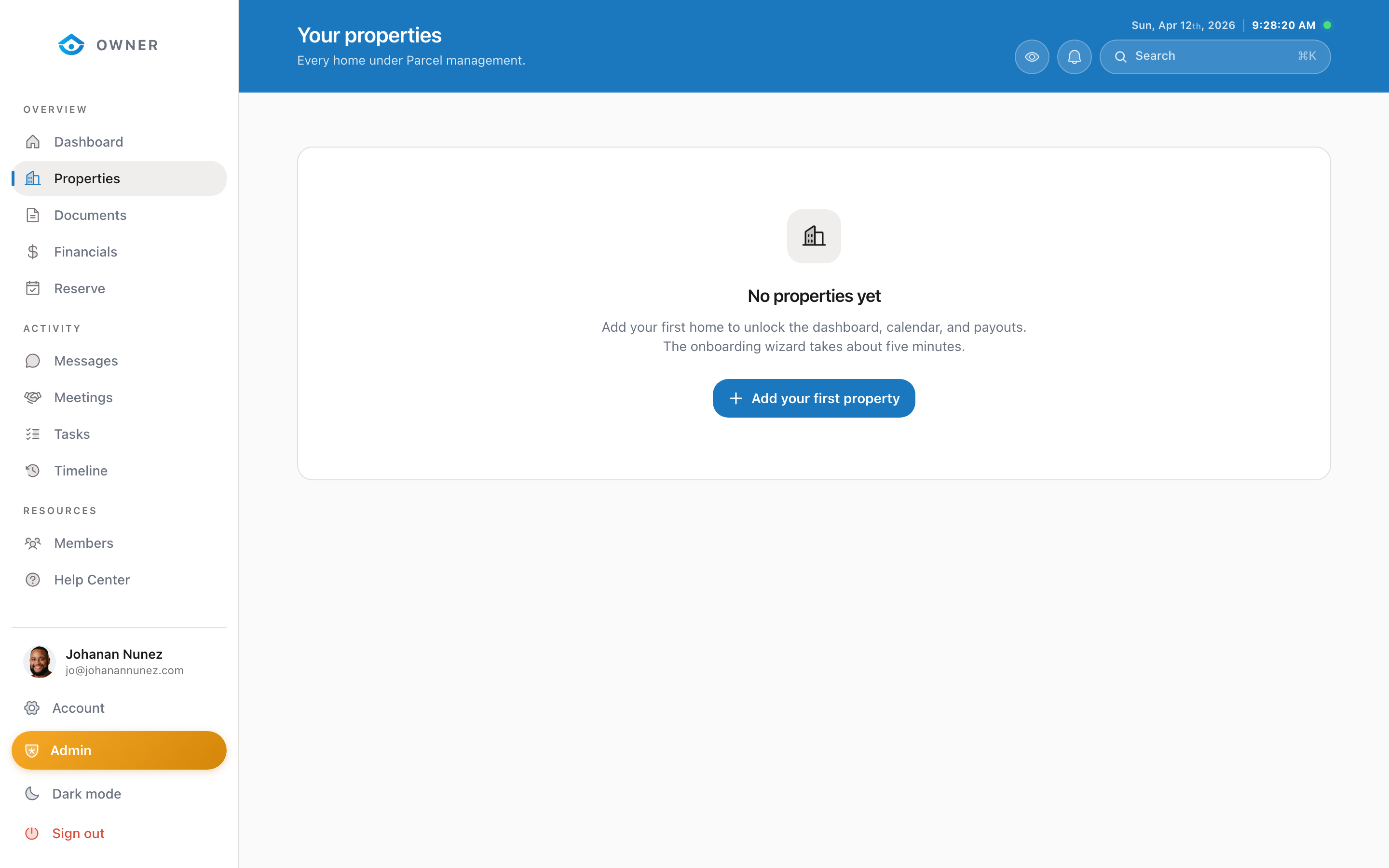
When you click on a property from your properties list, you will see a detailed view of everything about that property.
Header section
At the top, you will see:
- The property name and full address
- Current status badge
- A settings gear icon for property-level settings
Performance metrics
Below the header, four stat cards show:
- Revenue for the selected period
- Occupancy rate
- Average nightly rate
- Total bookings
Upcoming bookings
A list of upcoming and recent bookings for this specific property.
Property information
Scroll down to see:
- Basic details: bedrooms, bathrooms, square footage, max guests
- Amenities: what is available at the property
- House rules: guest-facing rules
- Cleaning details: turnover schedules and special instructions
Editing property details
To edit any property information, contact the Parcel team through the Messages section. Some fields (like address and property type) require admin review before updating.
Was this helpful?