Viewing Your Properties
2 min readApril 12, 2026
propertiesliststatusoverview
Your properties page
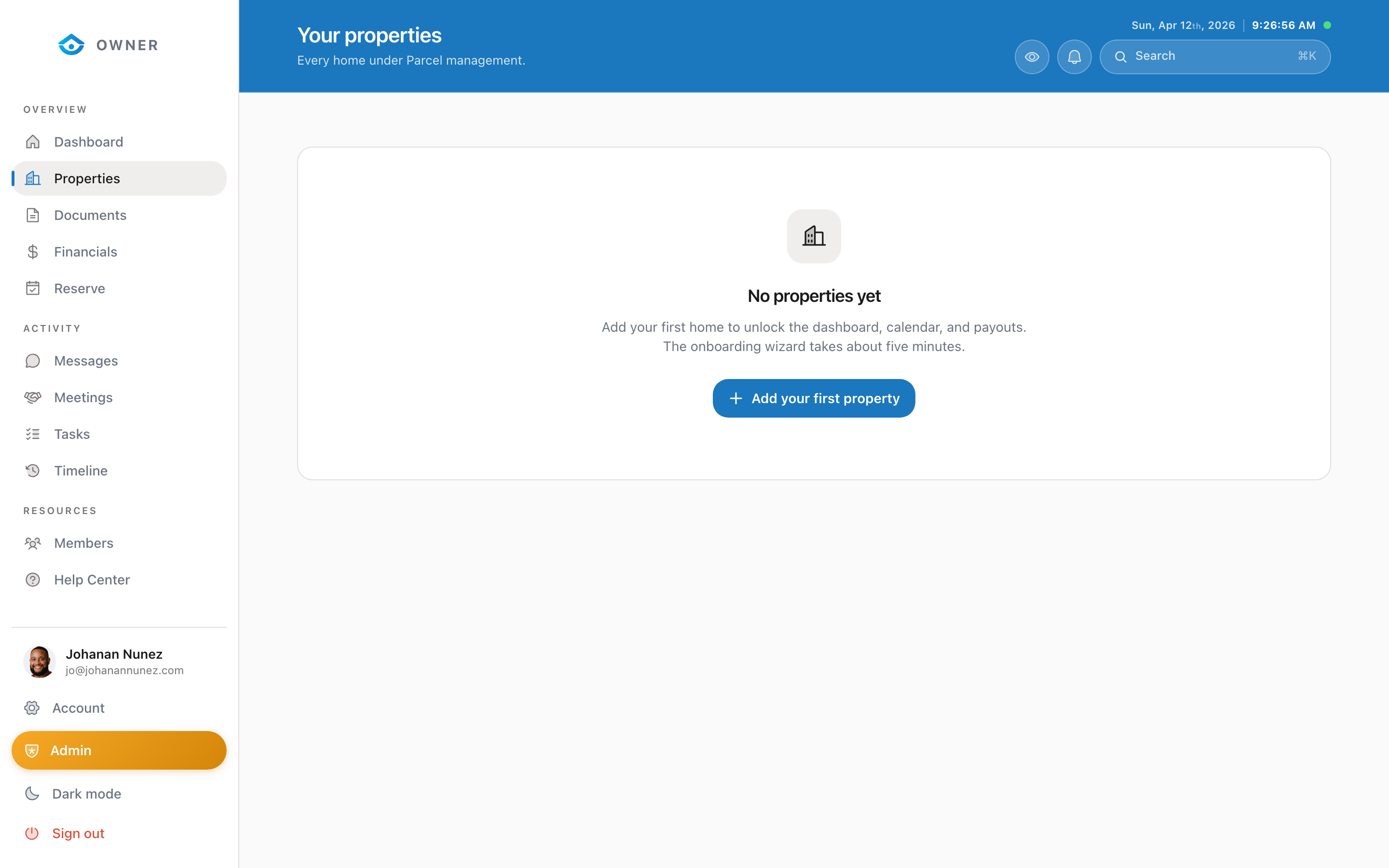
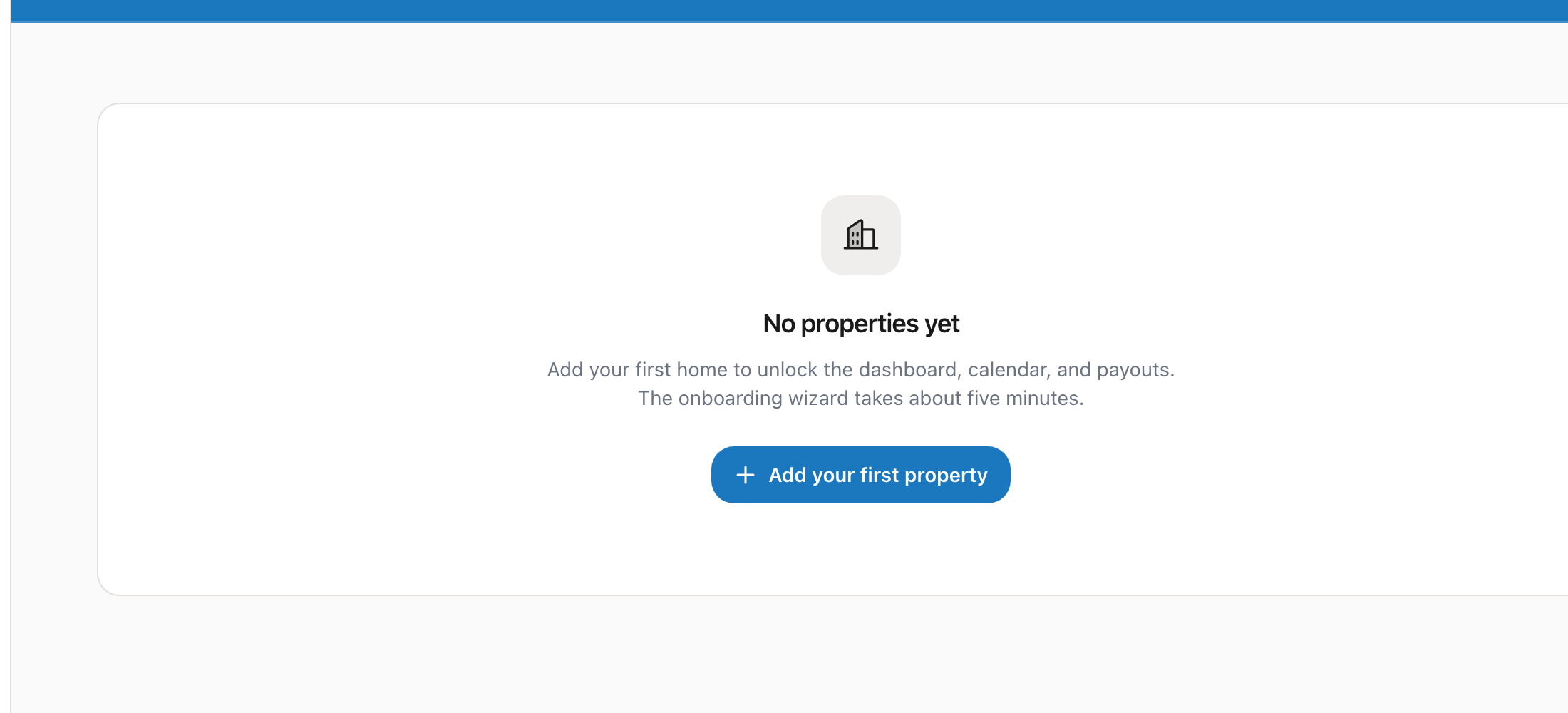
The Properties page shows every property linked to your owner account.
Property list
Each property appears as a card showing:
- Property name and address
- Status (active, onboarding, paused, or inactive)
- Property type (single family, condo, townhouse, etc.)
- Key details like bedrooms, bathrooms, and max guests
Switching views
You can view your properties as cards (grid layout) or as a table (list layout) using the toggle in the top right corner.
Property status meanings
- Active: Your property is live and accepting bookings
- Onboarding: Setup is in progress; complete the setup wizard to go live
- Paused: Temporarily not accepting new bookings (existing bookings are honored)
- Inactive: Property is fully deactivated and not visible to guests
Clicking into a property
Click on any property card to see its full detail page, including performance metrics, upcoming bookings, and settings.
Was this helpful?