How Document Signing Works
Digital signatures
We use BoldSign, a secure digital signature platform, for all document signing.
How it works
1. When a document needs your signature, you will receive a notification 2. Go to the relevant setup step or click the link in the notification 3. You will be redirected to BoldSign to review the document 4. Read through the document carefully 5. Click on the signature fields to add your signature 6. Confirm and submit
Your digital signature
The first time you sign, you will create your digital signature. You can:
- Type your name (auto-generated signature)
- Draw your signature with your mouse or finger
- Upload an image of your signature
Legal validity
Digital signatures through BoldSign are legally binding and comply with the ESIGN Act and UETA. They carry the same legal weight as a handwritten signature.
After signing
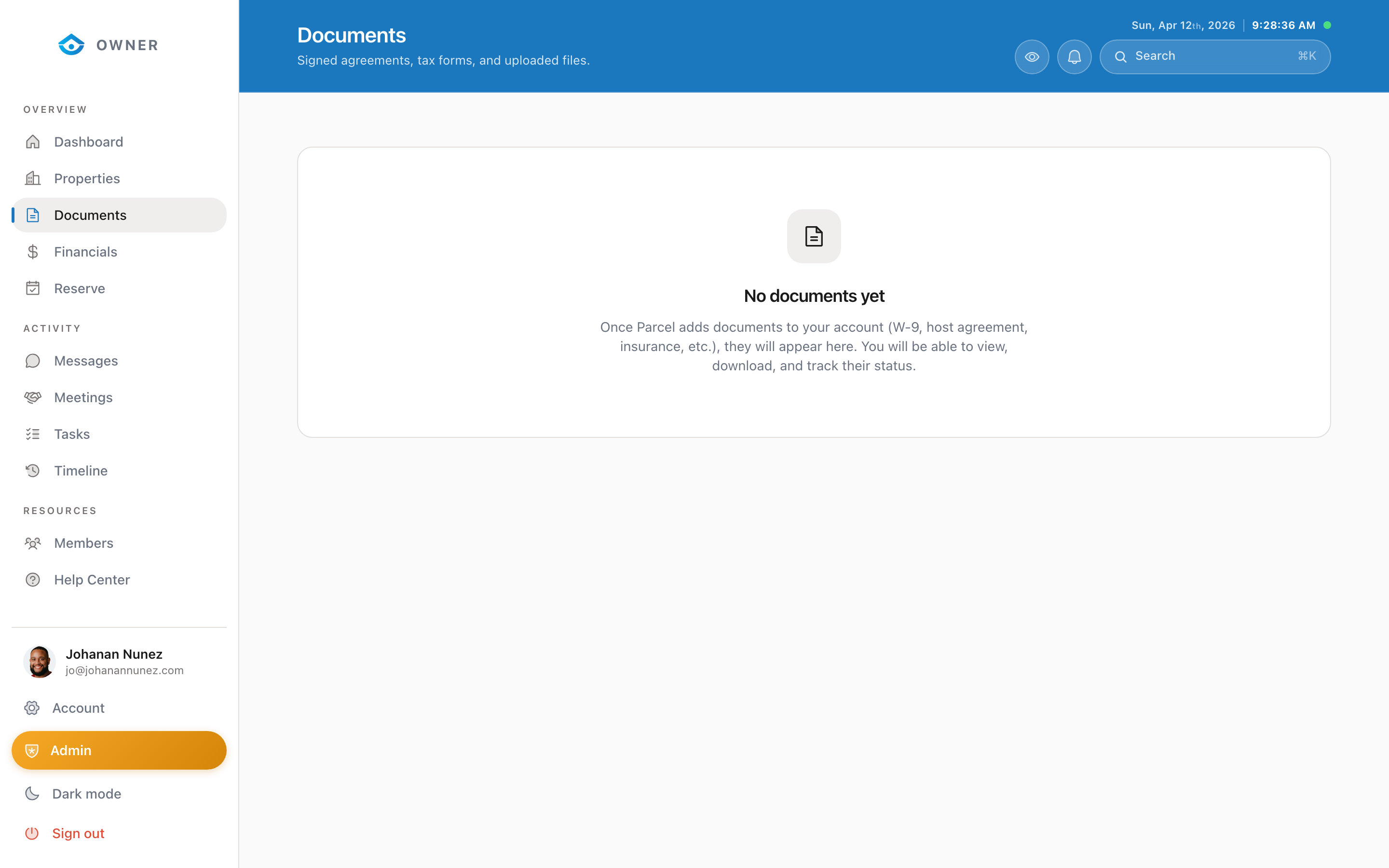
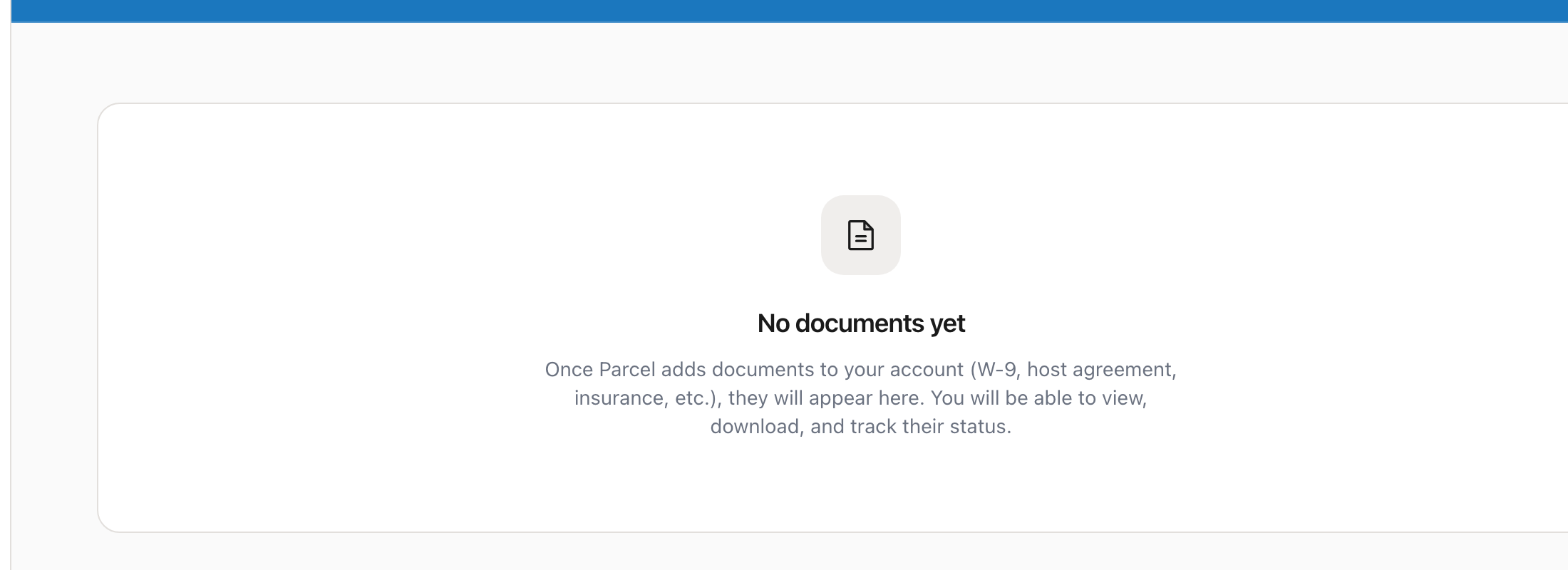
- A signed copy is automatically saved to your Documents section
- Both you and The Parcel Company receive a copy
- The document includes a certificate of completion with timestamps and IP addresses
Troubleshooting
Page not loading? Try a different browser. BoldSign works best in Chrome, Safari, Firefox, or Edge.
Signature fields not appearing? Make sure you scroll through the entire document. Signature fields are typically at the bottom.