Using the Command Palette
1 min readApril 12, 2026
keyboardshortcutssearchnavigation
The command palette
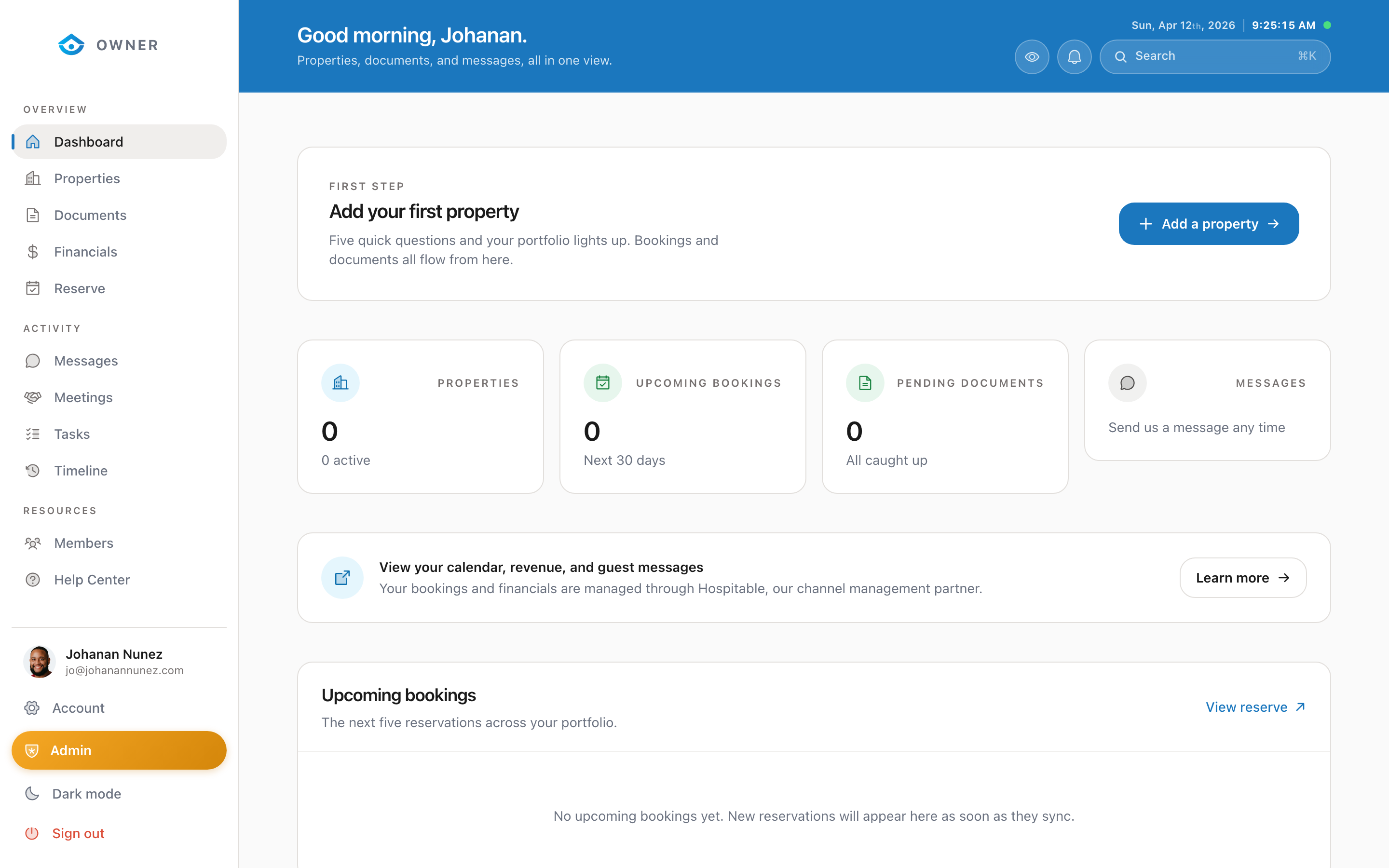
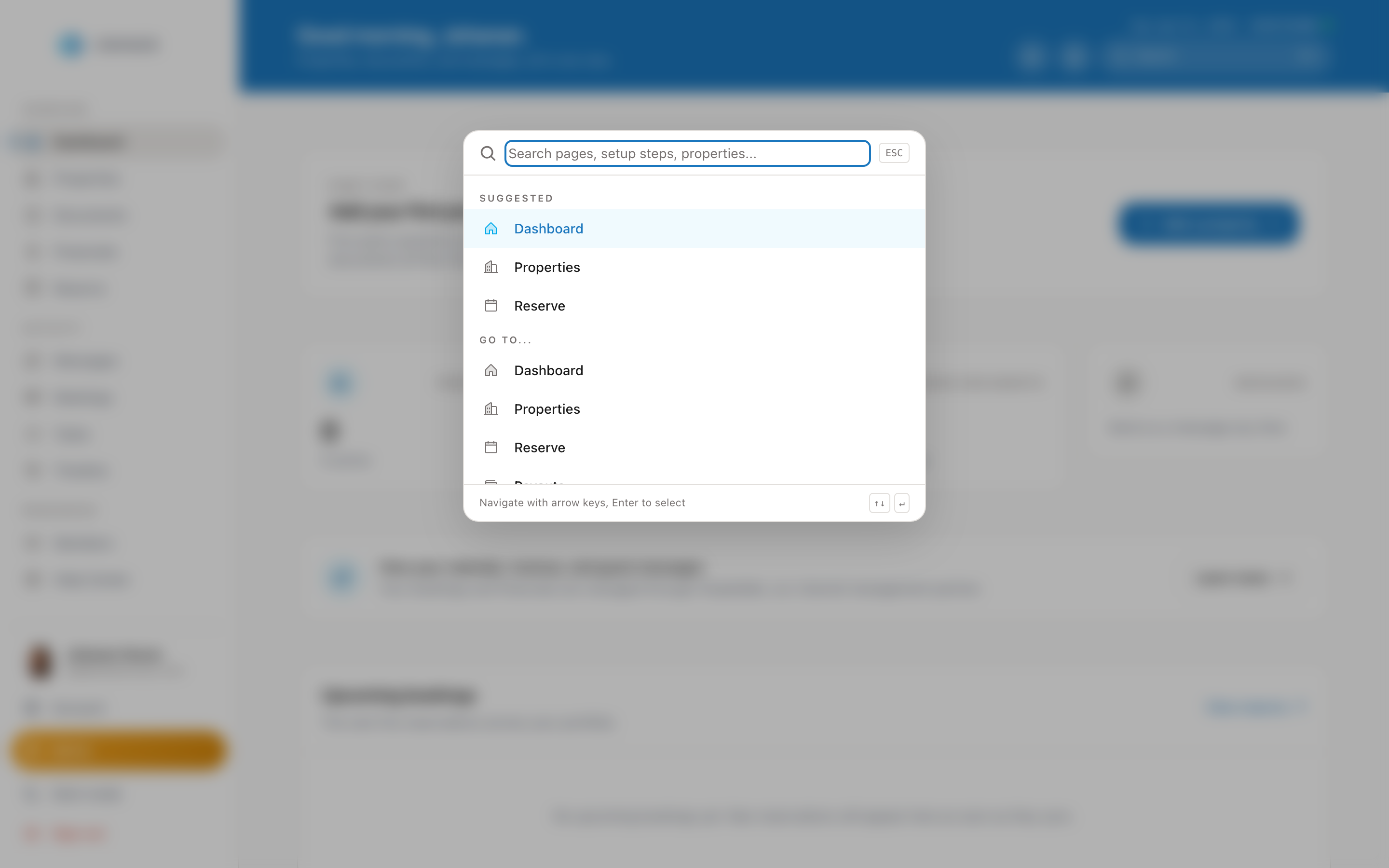
The command palette is a quick way to navigate anywhere in your portal without clicking through the sidebar.
How to open it
Press Cmd + K on Mac or Ctrl + K on Windows/Linux. A search overlay will appear in the center of the screen.
What you can do
- Navigate to any page by typing its name (e.g., "calendar", "financials", "account")
- Search for actions like "sign out" or "switch property"
- Jump to a specific property by typing its name or address
Tips
- You do not need to type the full page name. "cal" will match "Calendar" and "fin" will match "Financials"
- Press Enter to go to the first result
- Press Escape or click outside to close the palette
- The palette remembers your recent searches for quick access
This feature is available on desktop browsers only.
Was this helpful?