How to Create Your Owner Account
Creating your account
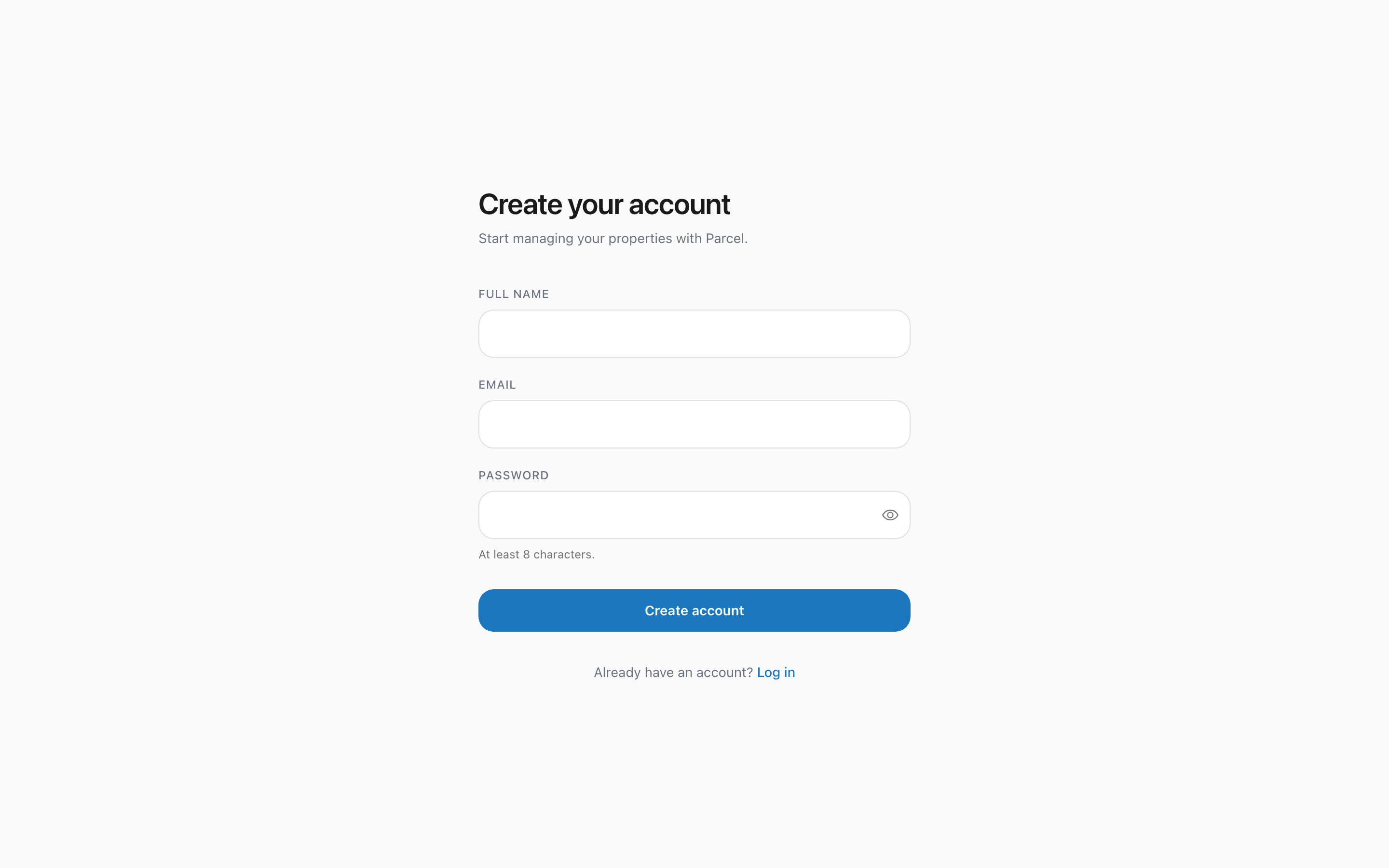
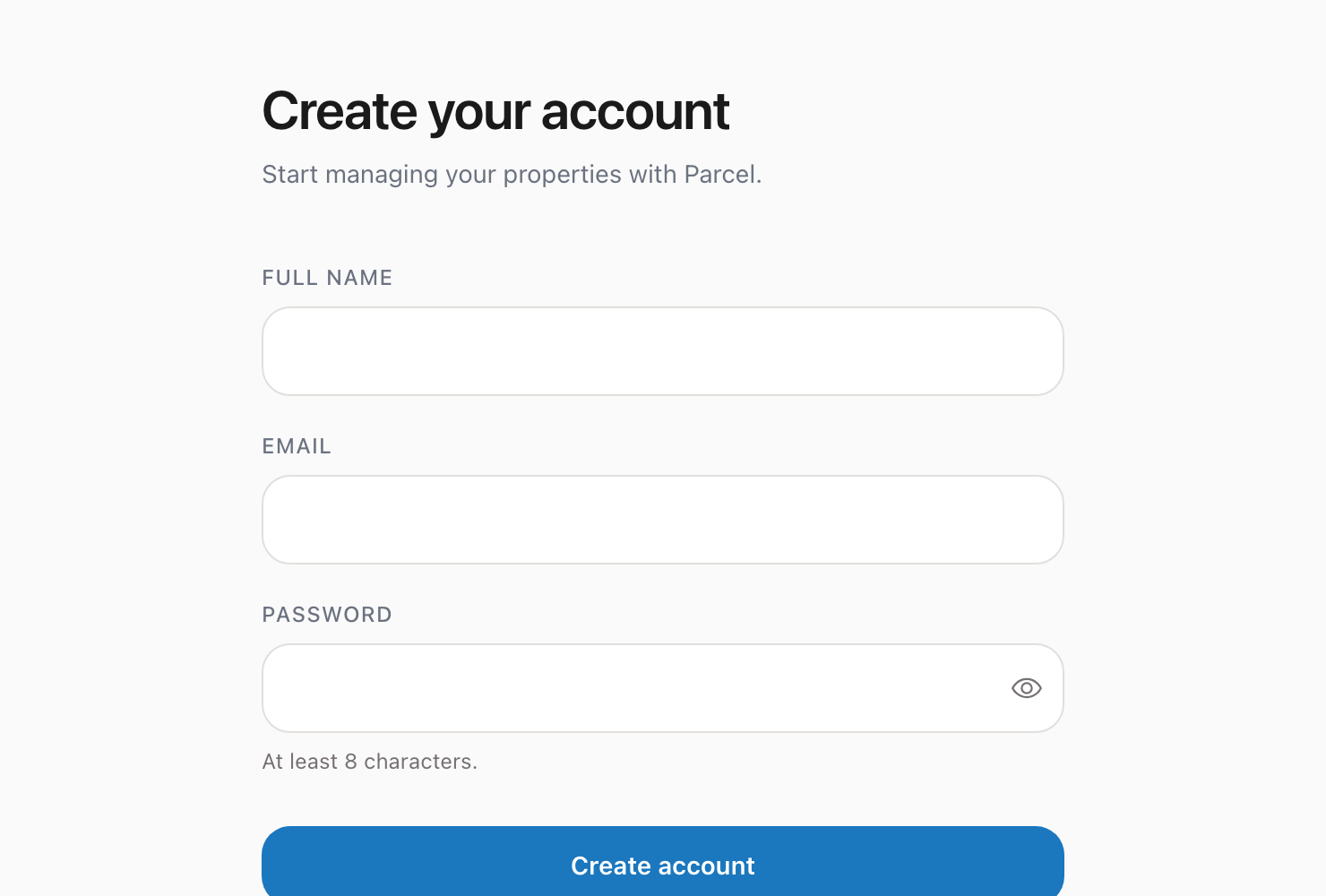
Setting up your Parcel owner account takes just a few minutes.
Steps to sign up
1. Go to theparcelco.com/signup 2. Enter your full name, email address, and a strong password 3. Click Create Account 4. Check your email for a confirmation link 5. Click the link in the email to verify your account 6. You will be redirected to your owner portal dashboard
Here is what the signup page looks like:
Password requirements
Your password must be at least 8 characters. We recommend using a mix of uppercase letters, lowercase letters, numbers, and symbols.
Email confirmation
After signing up, you will receive a confirmation email from The Parcel Company. This email contains a verification link that you need to click before you can log in.
Not seeing the email? Check your spam or junk folder. The email comes from hello@theparcelco.com. If you still do not see it after a few minutes, try signing up again with the same email address.
What happens next
After verifying your email, you will land on your owner portal dashboard. From here, you can start the onboarding process to set up your first property.