Navigating the Owner Portal
3 min readApril 12, 2026
navigationportalsidebarmobile
Your portal at a glance
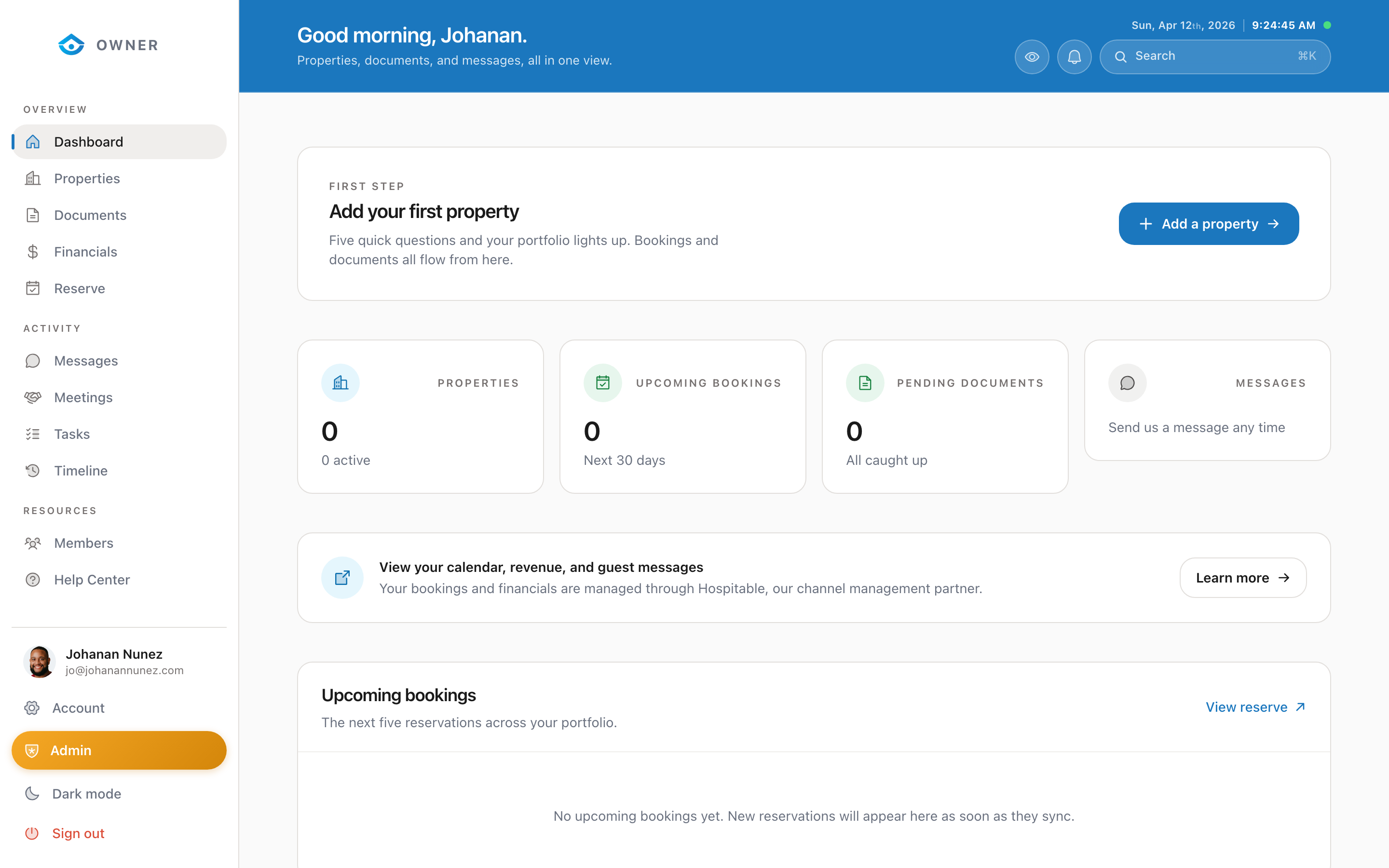
The owner portal is your home base for managing everything related to your rental property.
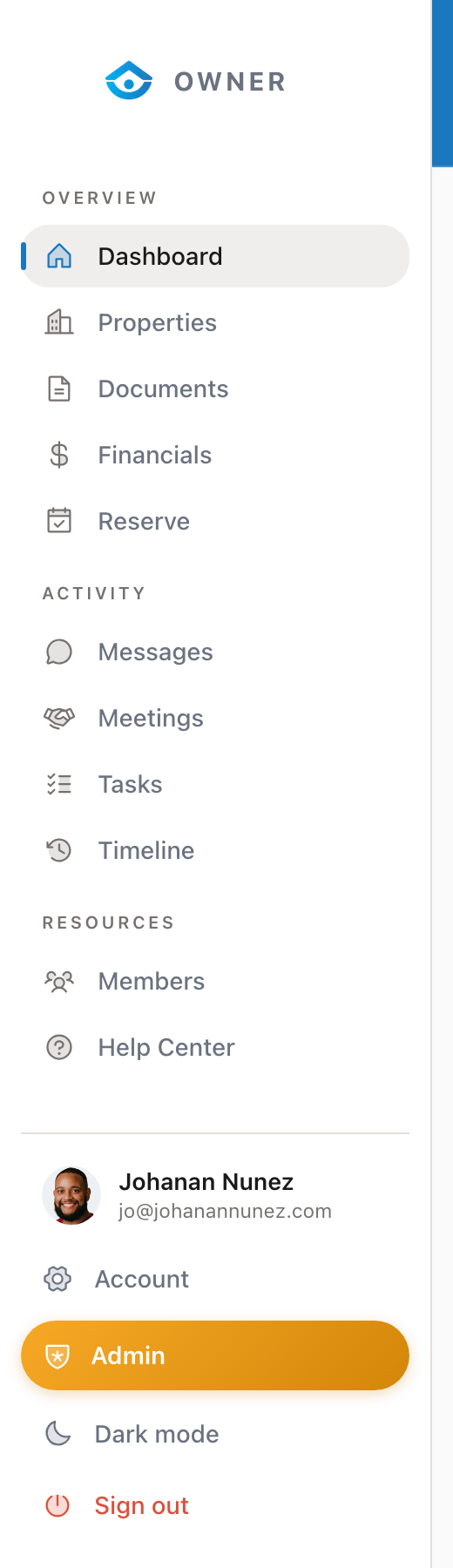
Sidebar navigation
On the left side of the screen (or the bottom on mobile), you will find links to all the main sections:
Overview
- Dashboard shows your key metrics, upcoming bookings, and recent activity
- Properties lists all your properties with status and performance data
- Documents stores your signed agreements and important files
- Financials shows your earnings, payout history, and revenue charts
- Reserve lets you block dates for personal use
Activity
- Messages is where you communicate with the Parcel team
- Meetings shows scheduled calls and video meetings
- Tasks tracks action items and to-dos for your properties
- Timeline shows a chronological log of all activity
Resources
- Members shows other people connected to your account/entity
- Help Center is where you are right now
Switching properties
If you have more than one property, use the property switcher at the top of the sidebar to switch between them. Some pages (like Dashboard and Financials) will update to show data for the selected property.
Mobile navigation
On phones and tablets, the sidebar becomes a bottom navigation bar. Tap the menu icon to access all sections.
Quick search
Press Cmd + K (Mac) or Ctrl + K (Windows) anywhere in the portal to open the command palette. Type to quickly jump to any page or search for content.
Was this helpful?