How to Log In
Logging in to your portal
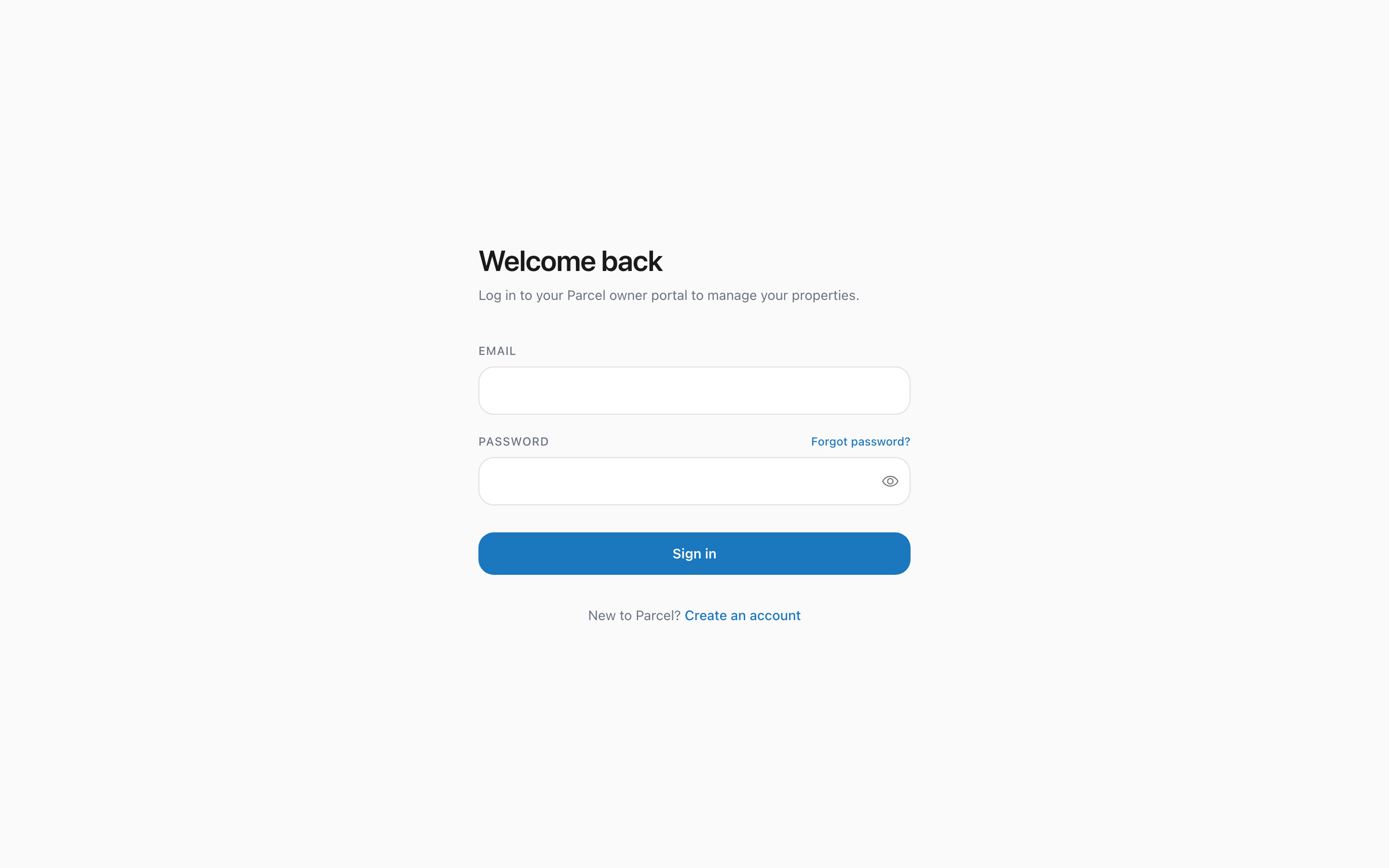
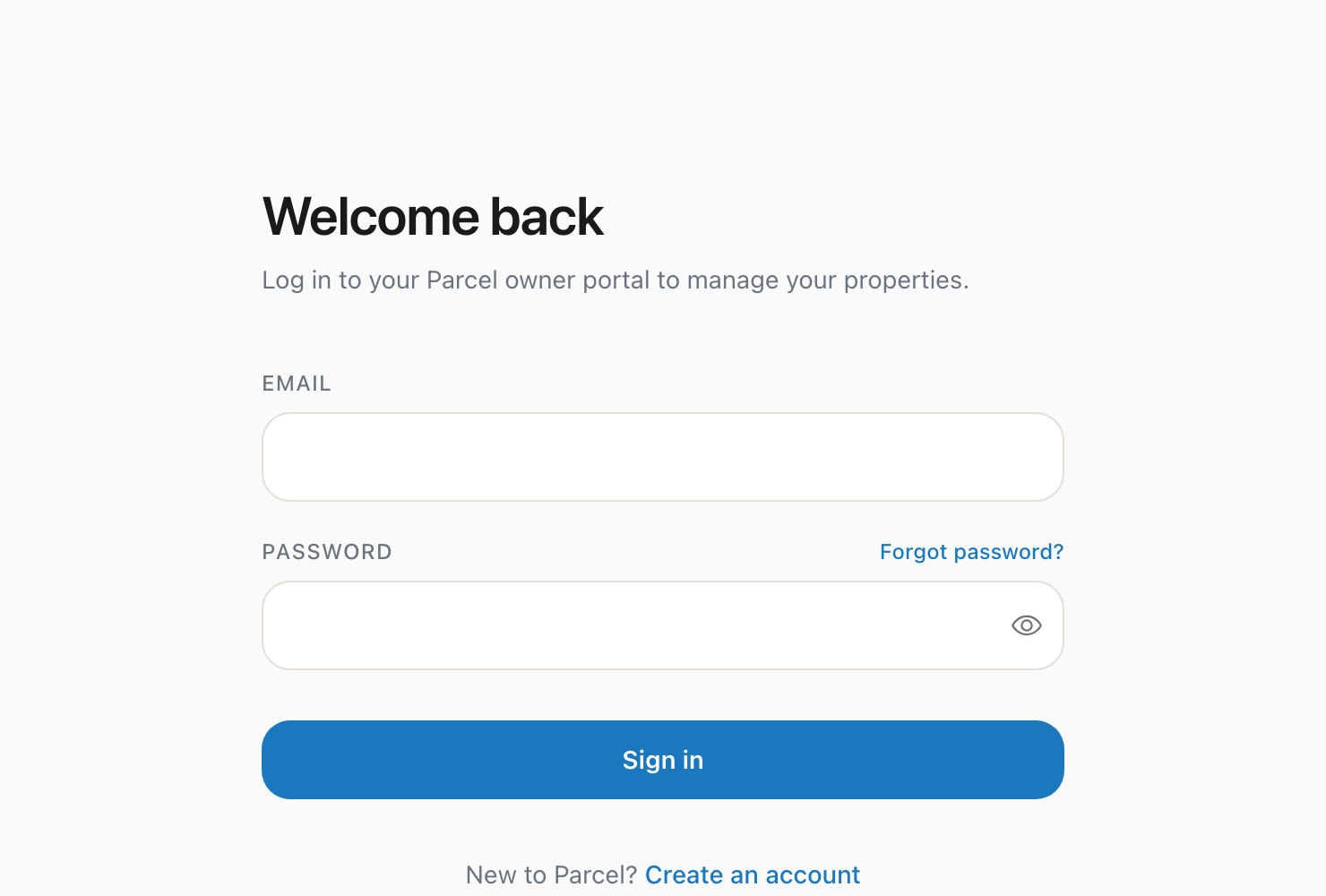
1. Go to theparcelco.com/login 2. Enter your email address and password 3. Click Log in 4. You will be taken to your owner portal dashboard
Here is what the login page looks like:
Staying logged in
Your session stays active for a reasonable period. If you close your browser and come back later, you may need to log in again for security reasons.
Trouble logging in?
Wrong password: Click "Forgot your password?" on the login page to reset it. You will receive an email with a link to create a new password.
Account not found: Make sure you are using the same email address you signed up with. If you are unsure, contact us at hello@theparcelco.com.
Email not verified: If you signed up but never clicked the confirmation link in your email, you will need to do that first. Check your spam folder or try signing up again with the same email to get a new link.