How to Reset Your Password
2 min readApril 12, 2026
passwordresetforgotsecurity
Resetting your password
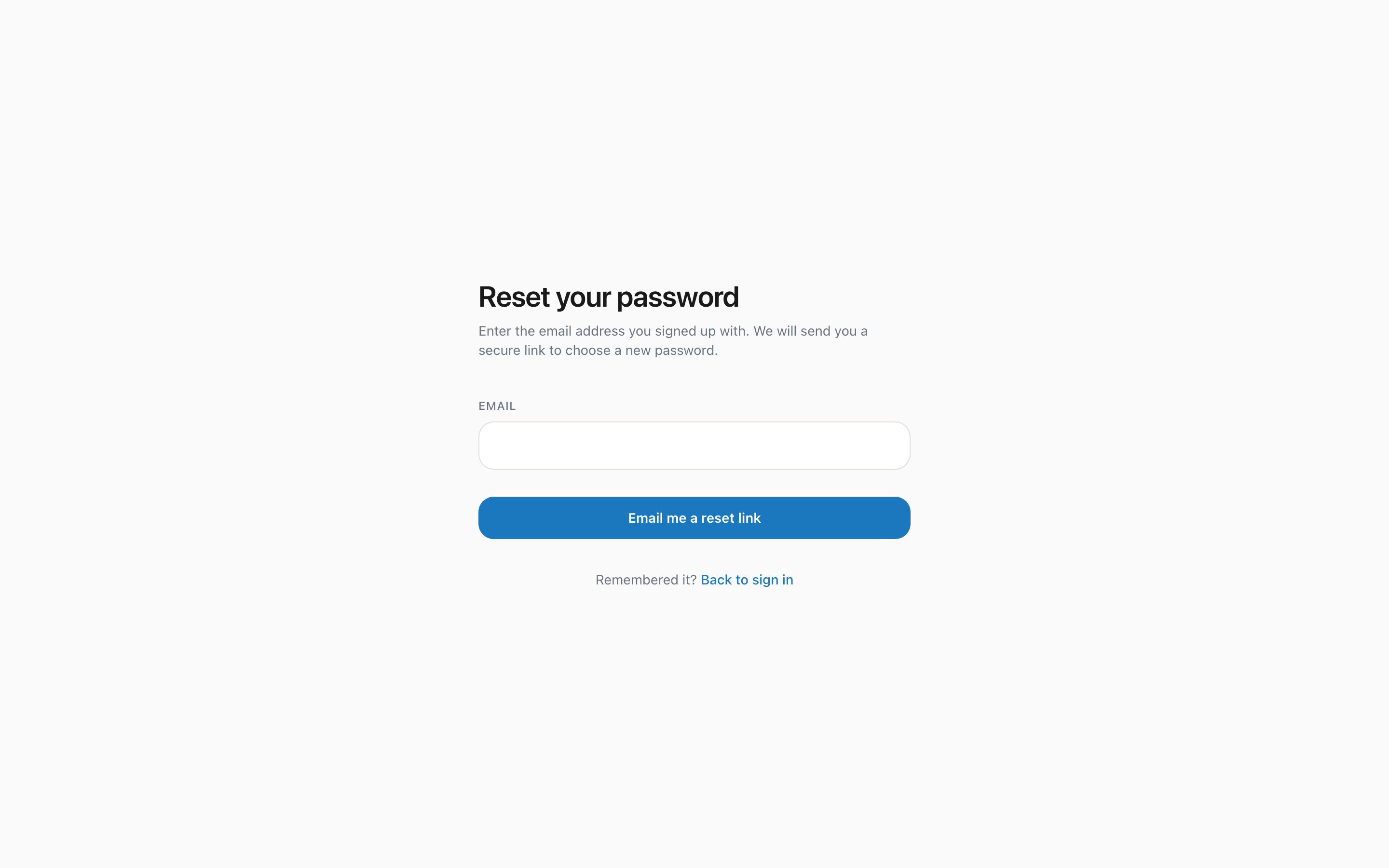
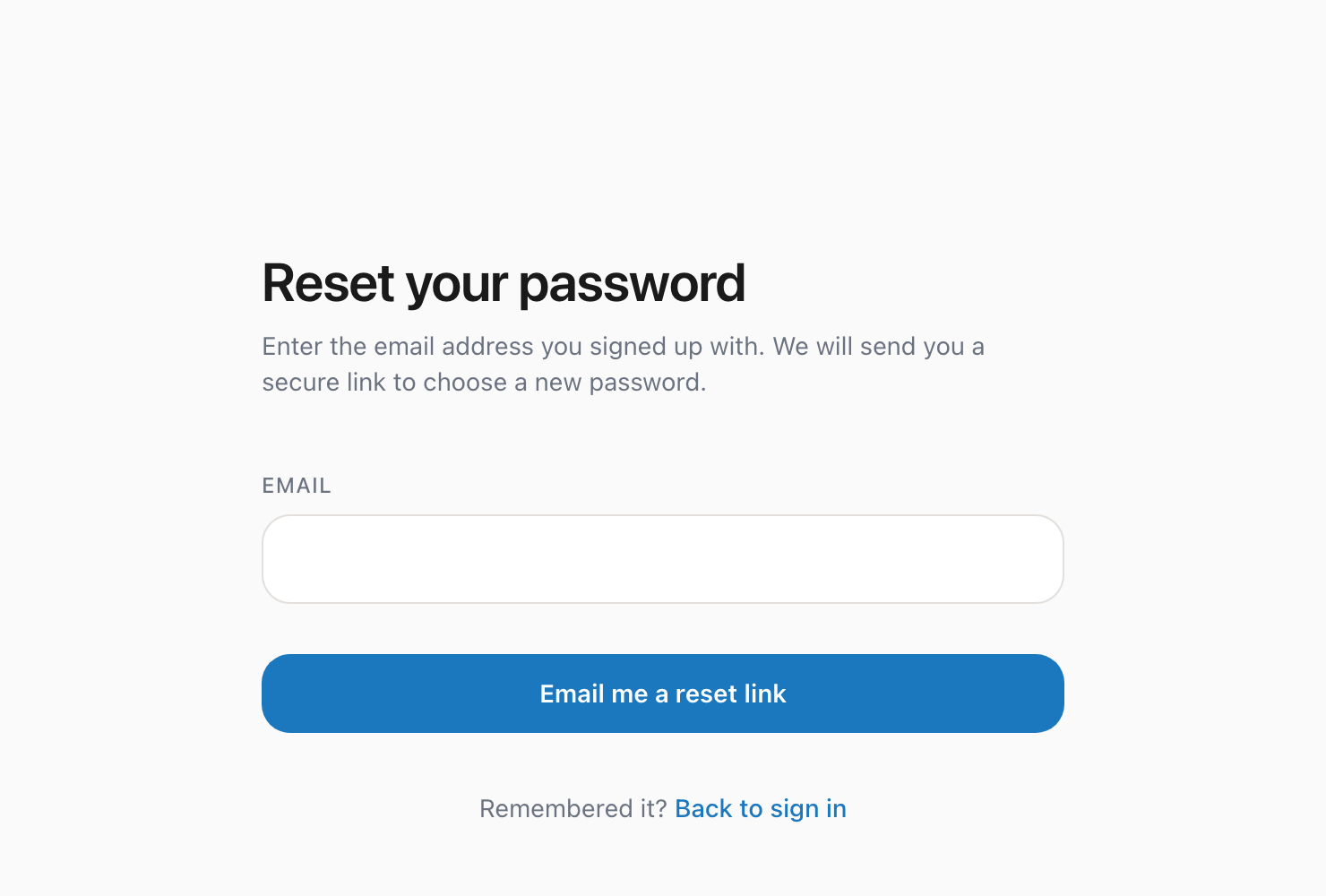
If you have forgotten your password, you can reset it in a few steps.
Steps to reset
1. Go to theparcelco.com/forgot-password 2. Enter the email address associated with your account 3. Click Send Reset Link 4. Check your email for a password reset link 5. Click the link (it expires after 1 hour) 6. Enter your new password and confirm it 7. Click Reset Password 8. You will be redirected to the login page where you can sign in with your new password
Here is the password reset page:
Tips for a strong password
- Use at least 8 characters
- Mix uppercase and lowercase letters
- Include numbers and symbols
- Avoid using the same password you use for other services
Did not receive the email?
- Check your spam or junk folder
- Make sure you entered the correct email address
- Wait a few minutes; sometimes emails take a moment to arrive
- Try requesting the reset link again
- If you still have trouble, email us at hello@theparcelco.com
Was this helpful?