Managing Notifications
2 min readApril 12, 2026
notificationsalertsemailpush
Notification settings
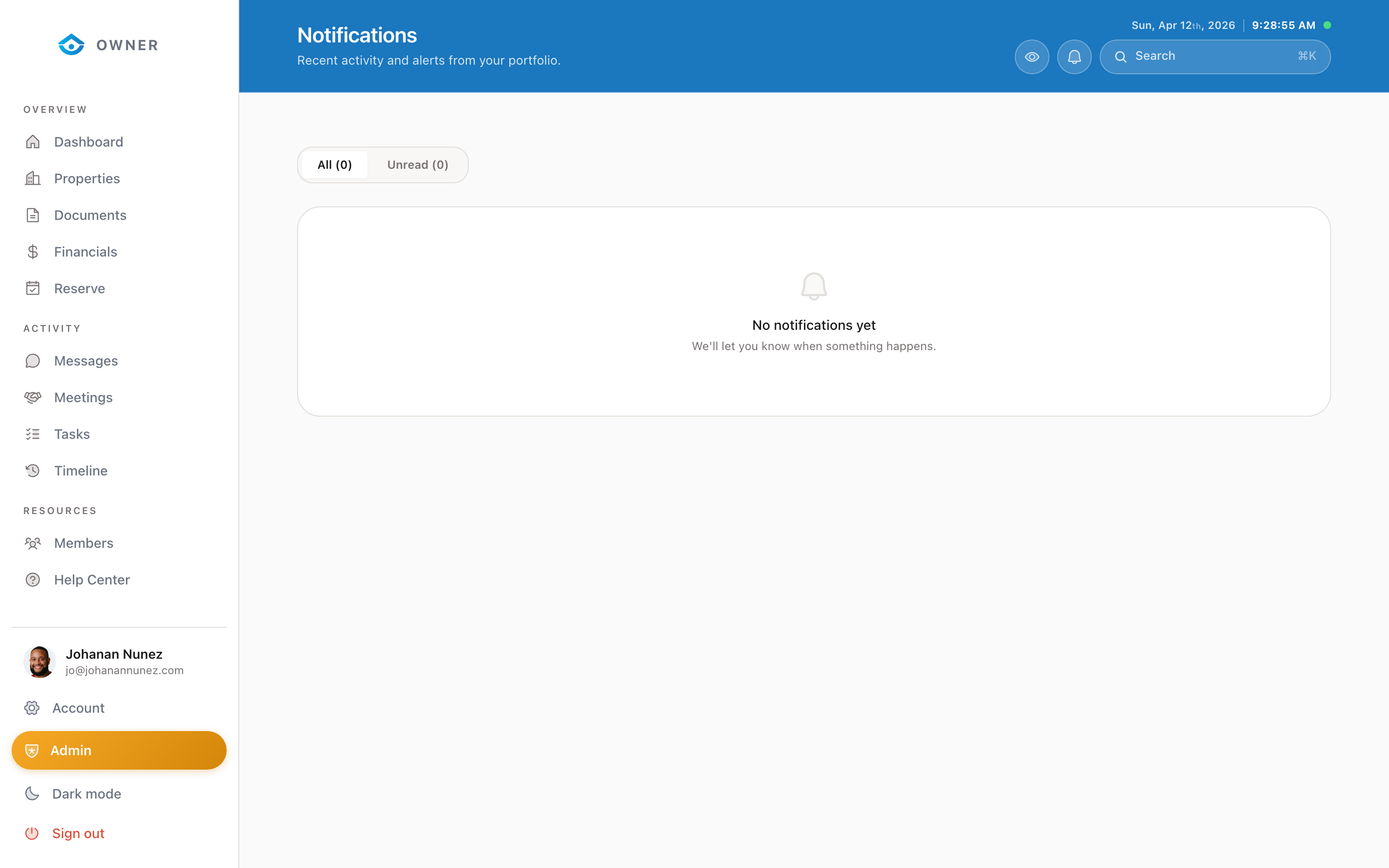
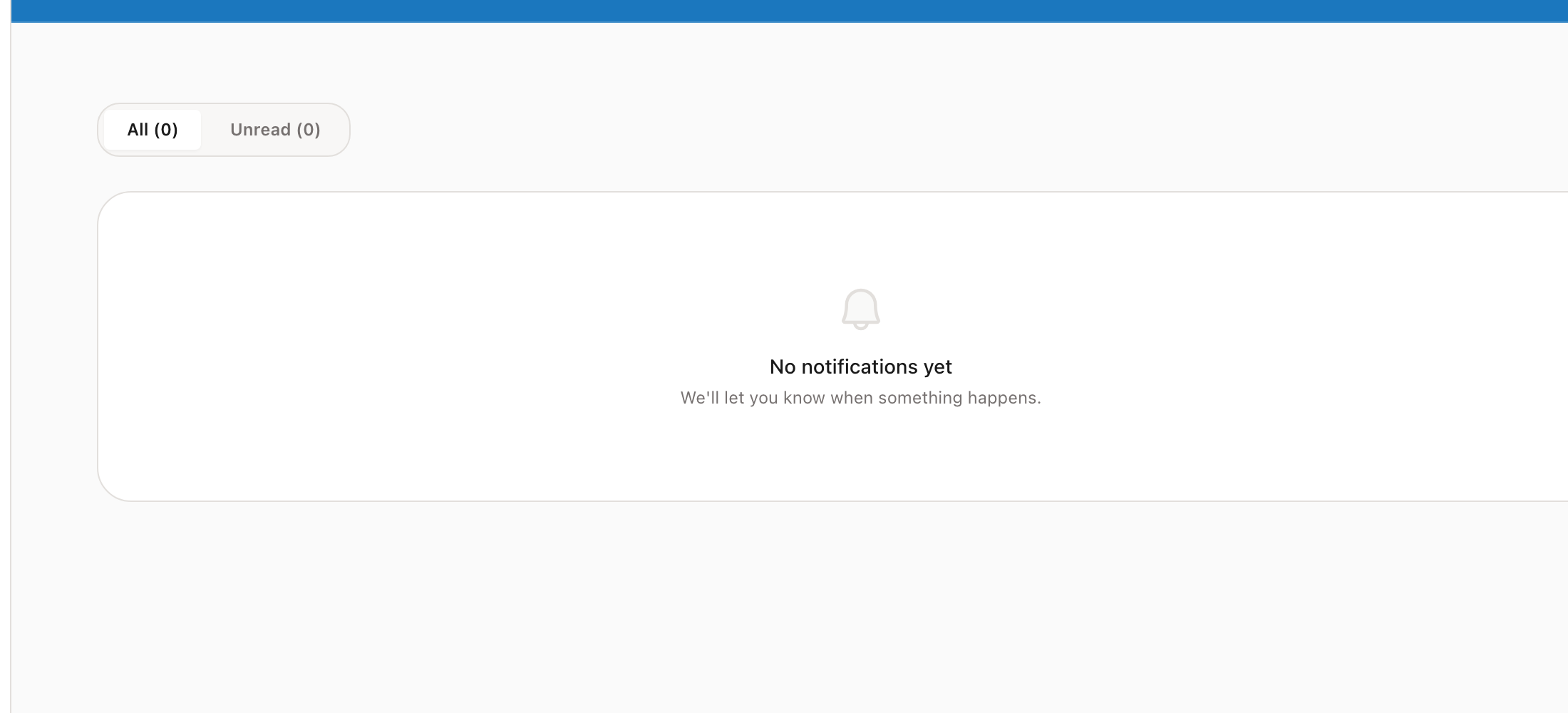
You can customize which notifications you receive and how they are delivered.
Notification types
- New booking: When a guest books your property
- Booking cancellation: When a guest cancels
- Message received: When the Parcel team sends you a message
- Payout processed: When a payout is deposited
- Task assigned: When a new task is created for your property
- Reservation update: When your block request is approved or declined
- Maintenance alert: When maintenance is scheduled or completed
Delivery methods
- In-app: Notifications appear in the bell icon at the top of the portal
- Push: If you installed the app (PWA), push notifications go to your device
- Email: Some notifications are also sent by email
Adjusting preferences
1. Go to Account in the sidebar 2. Scroll to the Notifications section 3. Toggle each notification type on or off 4. Choose your preferred delivery method
Notification bell
The bell icon in the top right of the portal shows your unread notification count. Click it to see recent notifications. Click any notification to go to the relevant page.
Was this helpful?