Scheduling Meetings
2 min readApril 12, 2026
meetingscallsvideogoogle-meet
Meetings
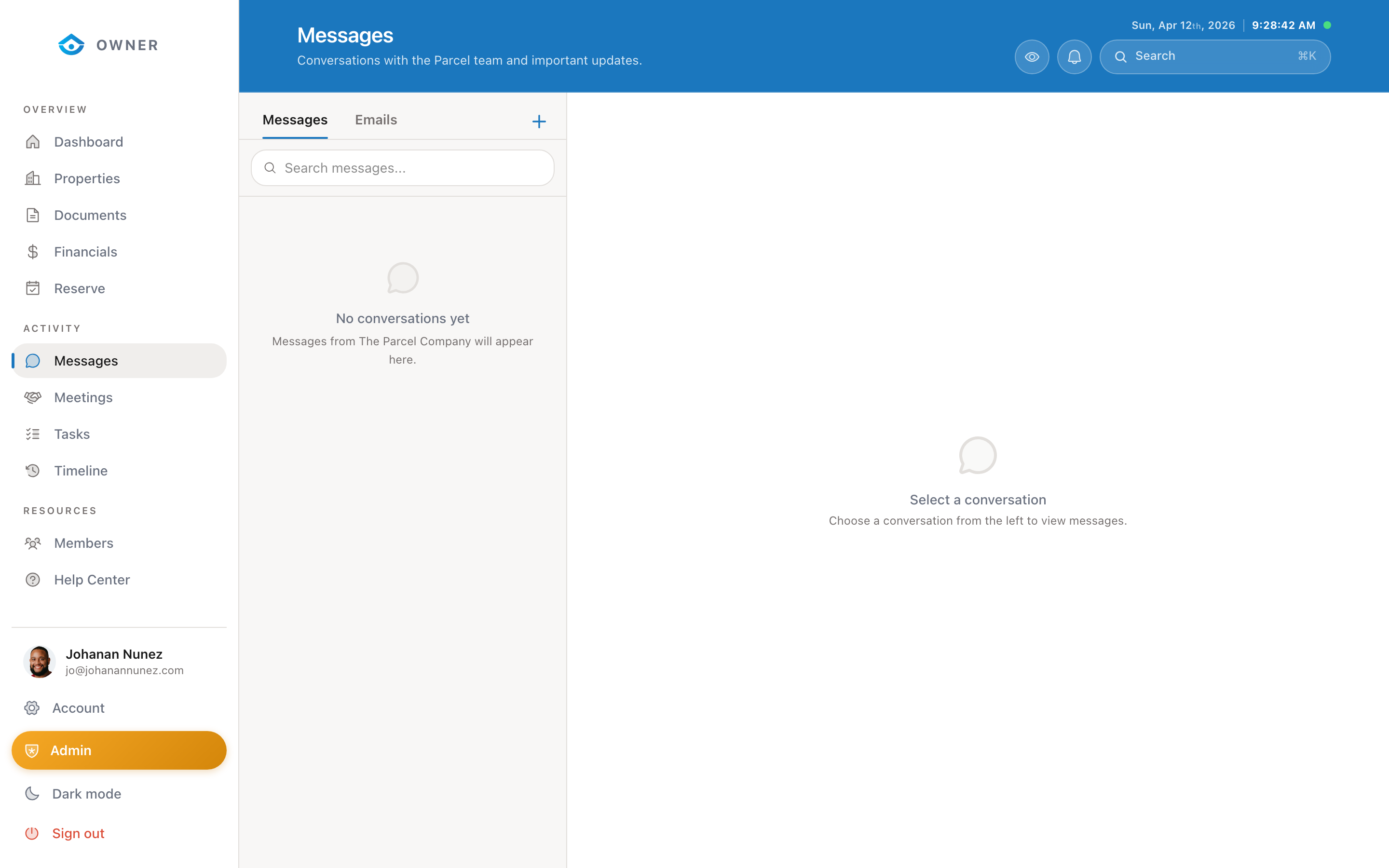
The Meetings section shows any scheduled calls or video meetings with the Parcel team.
When meetings happen
We may schedule meetings for:
- Onboarding walkthrough (your first meeting with us)
- Quarterly property reviews
- Discussing major changes to your property
- Resolving complex issues
- Annual agreement reviews
How meetings work
1. The Parcel team creates the meeting and you receive a notification 2. Go to Meetings in the sidebar to see the details 3. Each meeting shows the date, time, and a link to join 4. Click the meeting link at the scheduled time to join via Google Meet
Meeting features
- Agenda: We share the agenda before the meeting so you can prepare
- Recording: With your permission, meetings may be recorded
- Summary: After the meeting, a summary of key points and action items is added to the meeting record
- Follow-up tasks: Any action items are created as tasks in your Tasks section
Rescheduling
If you cannot make a scheduled meeting, send a message to the Parcel team with your preferred alternative times.
Was this helpful?